Common pain points
- Manual FBR portal uploads that fail under volume
- GST and SST numbering mixed across notebooks
- No payload preview before live submit
- Hard to verify which invoices FBR actually accepted
- PDF and email handled outside the billing tool
FBR digital invoicing software in Pakistan — GST & SST invoices, one-click FBR submit, Invoice ID tracking for verification, PDF, email, multi-company SaaS and a mobile PWA on AsanInvoice.
Overview
Digital invoicing for FBR is more than a PDF template. AsanInvoice connects to the FBR Digital Invoice API with sandbox and production modes: create GST or SST invoices, preview payloads before live submit, submit in one click, then track FBR status and Invoice ID so finance can verify what actually reached FBR — not only what left your books. Submitted invoices lock for compliance. Branded PDFs, per-company SMTP, customers, reports and roles keep multi-entity teams audit-ready instead of copying into the FBR portal by hand.
Capabilities
If these sound familiar, you are not alone — most teams hit the same walls as they scale.
Related
FAQ
It is software that creates sales tax invoices and submits them to FBR’s Digital Invoice API. AsanInvoice supports sandbox and live modes, GST/SST, payload preview and locked submitted invoices.
After submit, AsanInvoice stores FBR status and Invoice ID so you can verify acceptance against your draft — instead of guessing from a portal screenshot.
Yes — Sales Tax (GST) and Sindh Sales Tax (SST) invoices, HS codes, discounts, multi-line items, and configurable tax rates.
Yes — explore invoice.asanbilling.pk and request a guided demo for your companies and FBR environment.
Explore
Guides
Practical buyer guides — English, Arabic (/ar/) and Portuguese (/pt/).
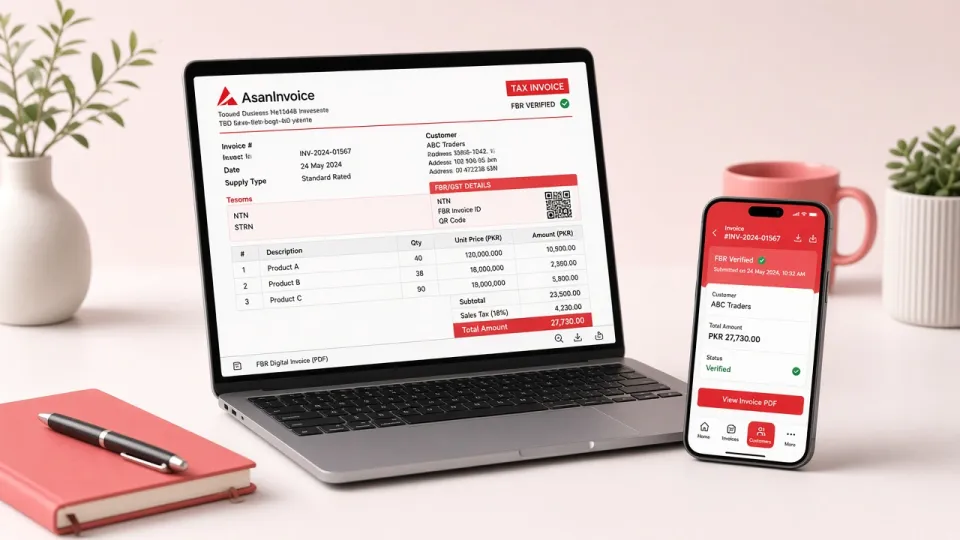
Try AsanInvoice free for 1 month — FBR digital invoicing, GST/SST submit, PDF and multi-company SaaS for Pakistani businesses.
Open full guide →
Pakistan FBR digital invoicing — GST/SST submit, PDF, multi-company SaaS and what to verify on an AsanInvoice demo.
Open full guide →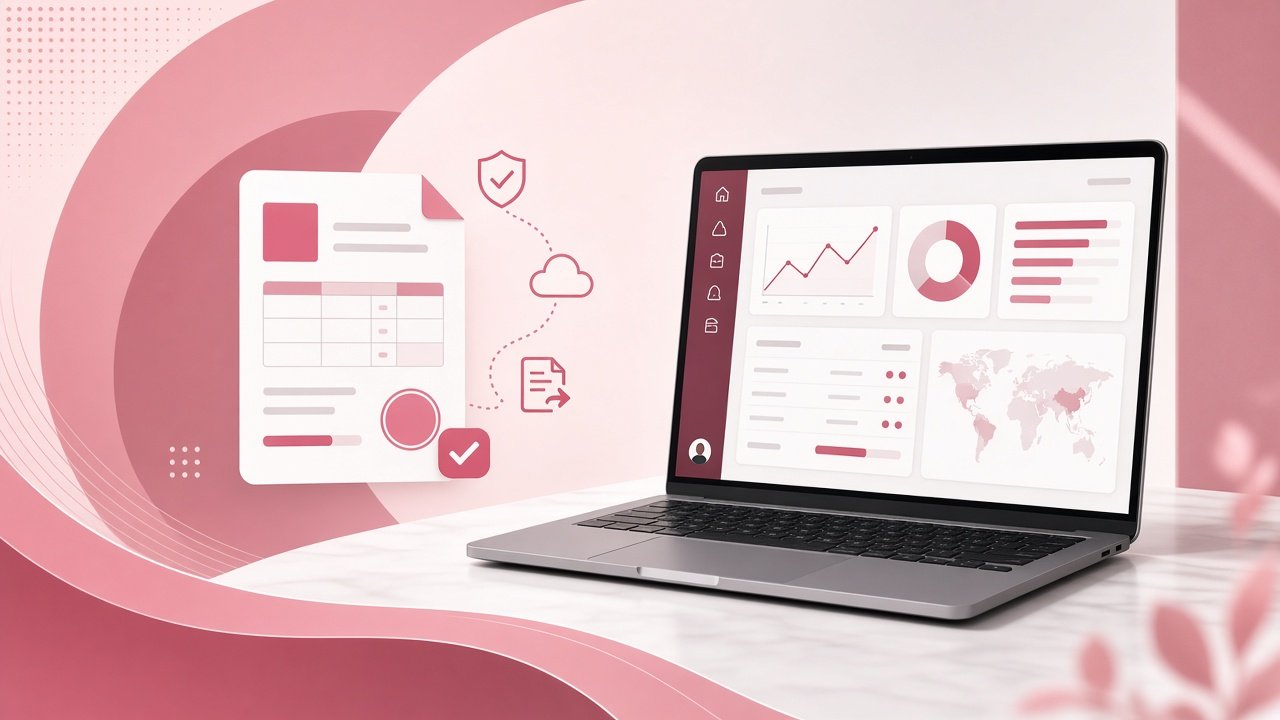
GST & SST invoices, sandbox to live FBR submit, branded PDF/email — AsanInvoice marketing spotlight with free demo.
Open full guide →Tell us GST/SST volume and companies — we demo FBR submit on sandbox and live, plus how to verify Invoice ID / status after submit.
Free guided demo · No setup fee to talk · Reply usually within one business day · Or WhatsApp +92 315 2433074