Common pain points
- Each branch runs a different desktop version
- Owners wait for end-of-day Excel exports
- Updates require a technician visit
Cloud POS vs desktop POS — multi-branch owners usually need browser-based counters, shared menus and one owner dashboard. AsanPOS is cloud PWA POS for restaurants, marts, laundry and pharmacies.
Overview
Desktop POS can feel fast on one PC, but second branches, remote reports and forced USB installs create drift. Cloud POS centralizes roles, menus and sales views while still supporting offline-ready PWA counters when configured.
Capabilities
If these sound familiar, you are not alone — most teams hit the same walls as they scale.
Related
FAQ
Modern cloud POS feels local on a good connection and can use offline-ready PWA patterns. Demo with your network before deciding.
Yes for restaurant, mart, laundry and pharmacy modes — request a demo with your shop type.
Explore
Guides
Practical buyer guides — English, Arabic (/ar/) and Portuguese (/pt/).
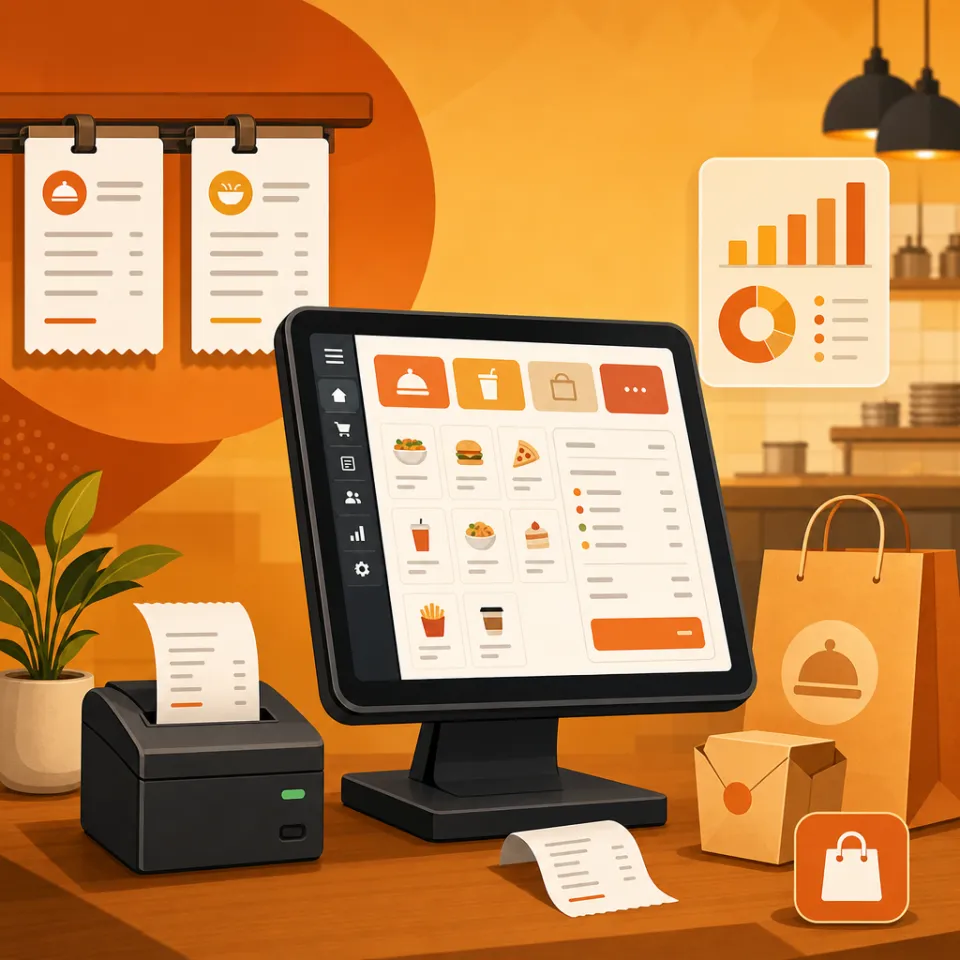
What Dubai and Abu Dhabi F&B teams should demand from cloud restaurant POS — tables, KDS, delivery split and branch reports — before buying.
Open full guide →
How multi-location shops should evaluate cloud POS — roles, menus, kitchen sync and consolidated sales — without enterprise lock-in.
Open full guide →
Why dry cleaners and laundry desks need dedicated POS workflows — service pricing, pickup tickets and end-of-day reports.
Open full guide →Tell us outlet count — we compare cloud AsanPOS vs staying on a desktop till.
Free guided demo · No setup fee to talk · Reply usually within one business day · Or WhatsApp +92 315 2433074