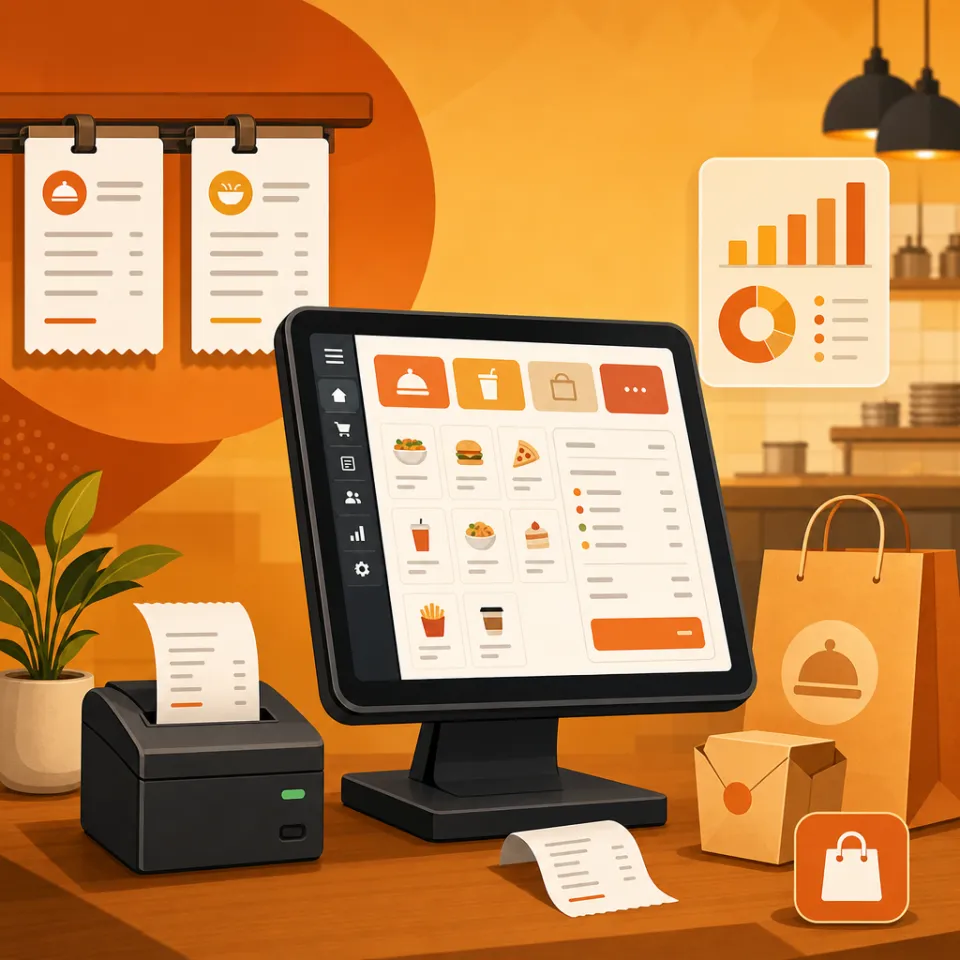
Excel works for tiny shops until stock, discounts, and multiple cashiers collide. POS software like AsanPOS prints receipts, tracks inventory, and supports kitchen or multi-branch workflows Excel cannot.
Spreadsheets lack kitchen display, barcode scanning speed, role permissions, and day-end reports. When you hire a second cashier or open a second outlet, dedicated POS software pays for itself.
Capabilities
Problems we solve
If these sound familiar, you are not alone — most teams hit the same walls as they scale.
Common pain points
Stock numbers disagree with sales
No kitchen ticket flow for restaurants
Managers cannot see live sales by branch
AsanPOS capabilities
Fast billing & receipts
Inventory linked to sales
Staff roles and end-of-day reports
Restaurant KDS when needed
Related
Related pages
FAQ
Frequently asked questions
Can we import Excel products into AsanPOS?
Yes — product/SKU import is planned during onboarding. Bring your sheet to the demo.
Explore
POS & retail pages
Guides
Latest blogs for this product
Practical buyer guides — English, Arabic (/ar/) and Portuguese (/pt/).